> For the complete documentation index, see [llms.txt](https://help.rvops.com/central-de-ajuda-rvops-crm/llms.txt). Markdown versions of documentation pages are available by appending `.md` to page URLs; this page is available as [Markdown](https://help.rvops.com/central-de-ajuda-rvops-crm/marketing/arquivos.md).
# Arquivos
Dominando o armazenamento e a distribuição de documentos no Rvops.
Na Rvops, a seção **Arquivos** centraliza todos os documentos digitais relacionados aos seus contatos, oportunidades e demais registros do CRM. Cada arquivo enviado gera automaticamente um link de download exclusivo e permite monitorar quantas vezes ele foi baixado. Além disso, você pode reutilizar esses arquivos em:
* **E-mails**: insira links ou anexos em campanhas e comunicados
* **Redirecionamento de formulários**: direcione contatos para download após o envio
* **Landing pages**: disponibilize materiais de apoio ou e-books
* **Fluxos de automação**: condicione ações com base em “baixou” ou “não baixou”
### Como anexar novos arquivos?
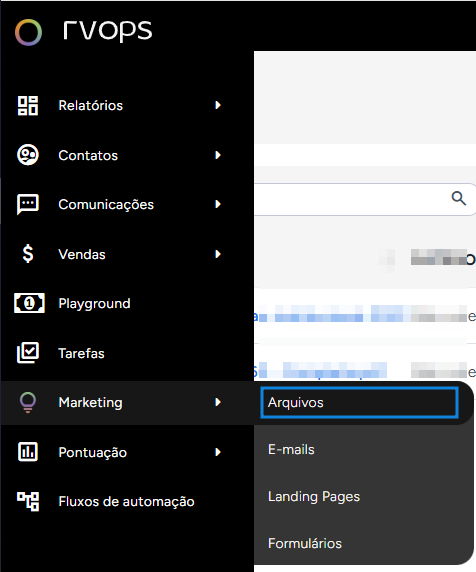
A área de arquivos pode ser encontrada na sessão de **Marketing - Arquivos**.
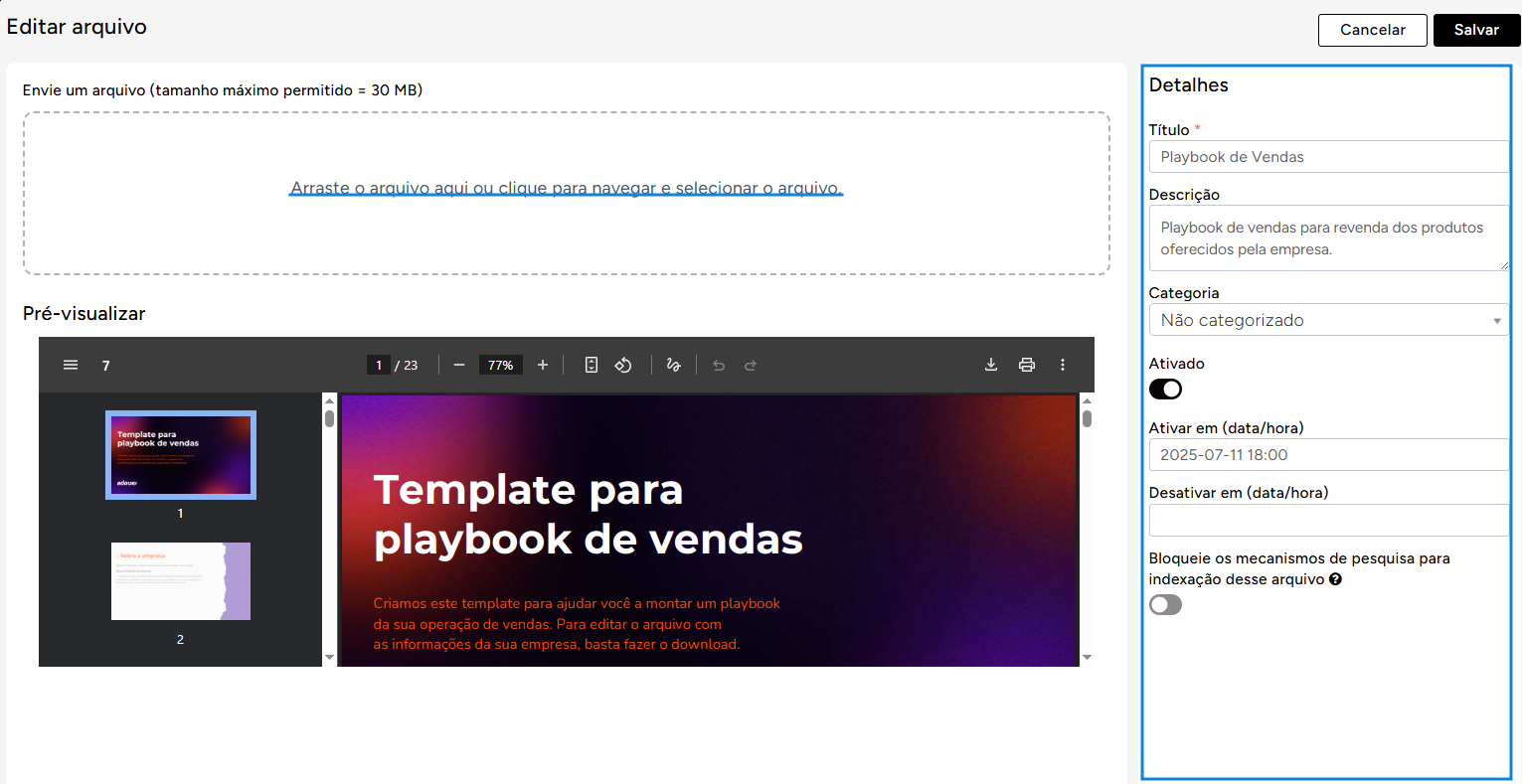
Ao selecionar "**Novo arquivo**", selecione qual arquivo deseja importar e preencha todas as **informações básicas**.
{% hint style="info" %}
Lembre-se que após salvar o arquivo, para utiliza-lo é necessário que ele esteja **ativo**.
{% endhint %}
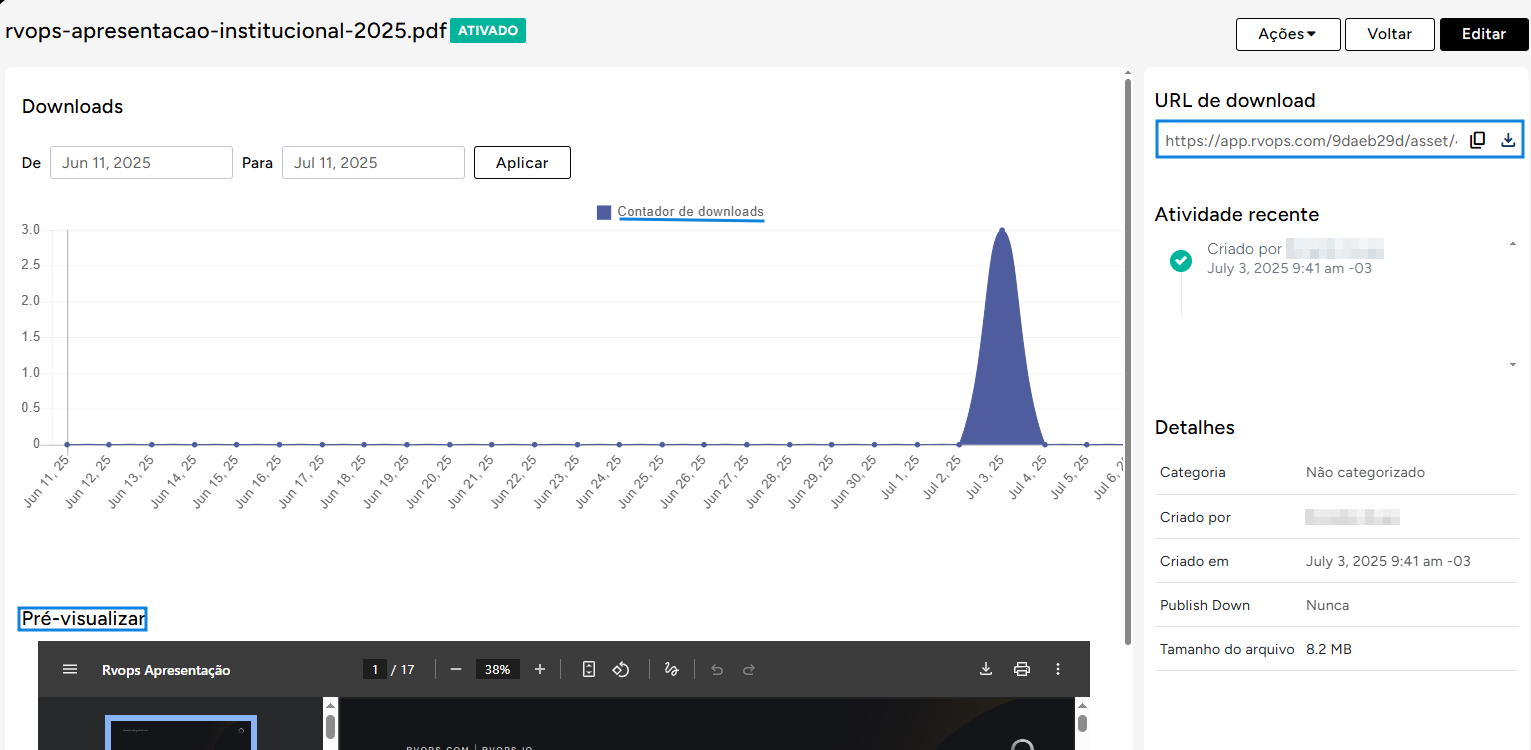
Nos arquivos já salvos, você pode abri-los através da listagem e verificar informações como: **link público do arquivo para compartilhamento e download, métricas de downloads e também pré visualização.**
Agora que você já sabe como criar e monitorar seus arquivos na Rvops, **é hora de colocar em prática!**